Fix Everything
One tap. The app looks at everyone in the photo, opens closed eyes and fixes other problems it finds, then gives you several versions to choose from.
Someone blinked in the one good shot? Expression Editor - Reshot AI opens closed or half-closed eyes, on one face or on each face in a group photo.
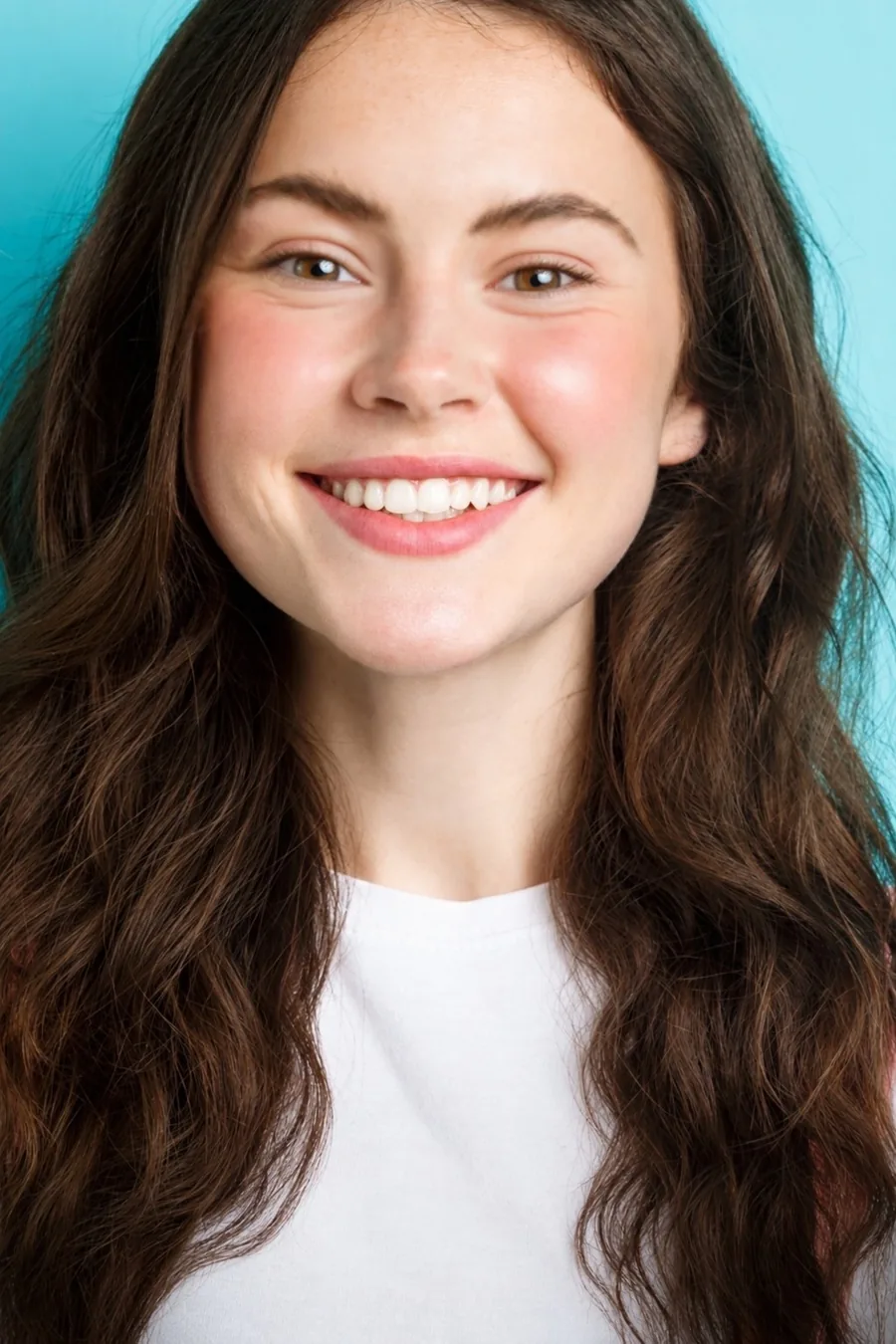
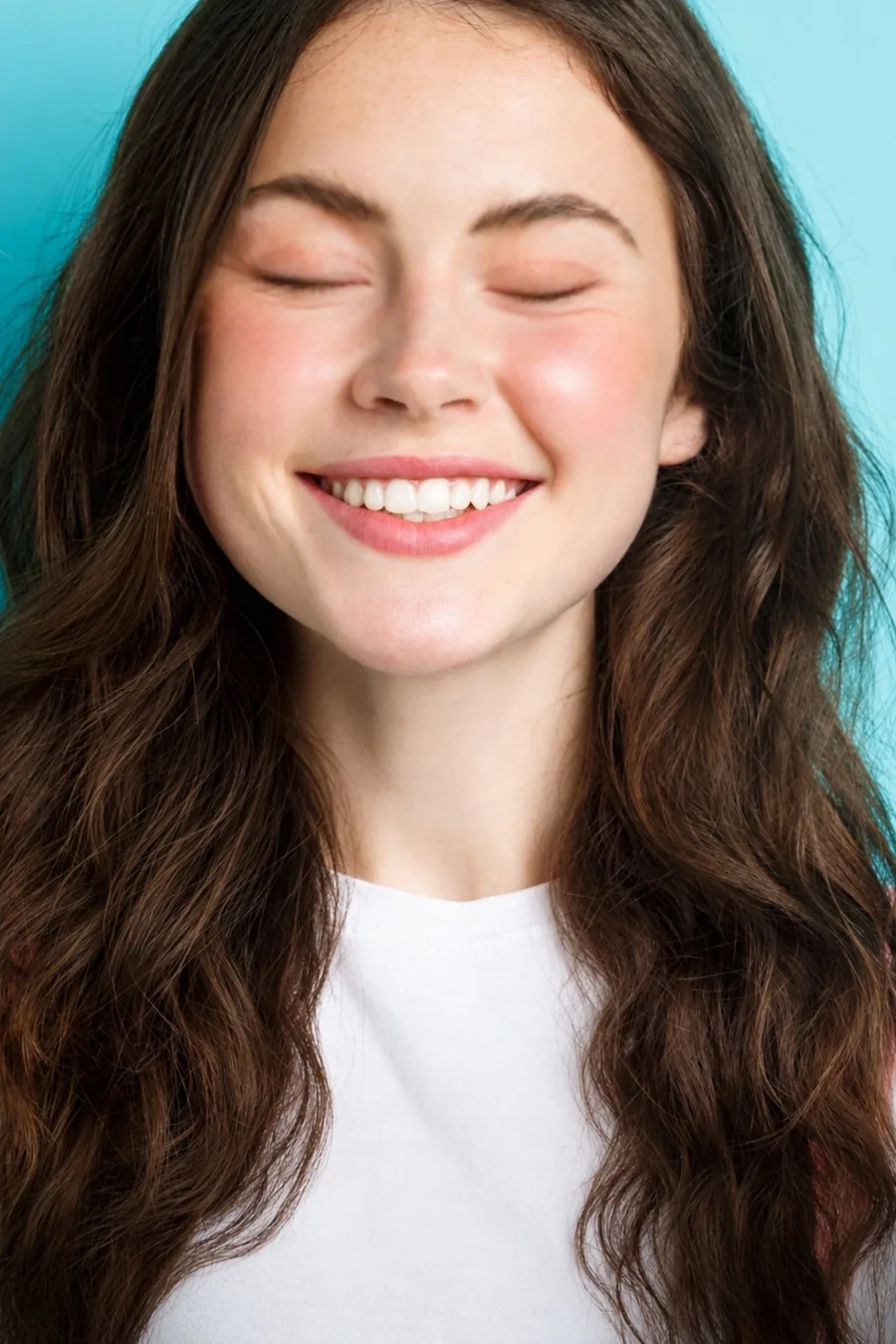
Sample edit. Drag to compare.
Expression Editor - Reshot AI is an iPhone app that edits faces in photos you already took. To fix closed eyes, it gives you three tools: an eye slider that goes from closed to open on the face you tap, Retake, which makes a new take of one person with open eyes, and Fix Everything, which finds closed and squinting eyes on every face in the photo and fixes them in one tap.
You do not need another photo of the person. Only the face you choose changes, so the rest of the photo stays as it was.
Use the one that fits the photo.
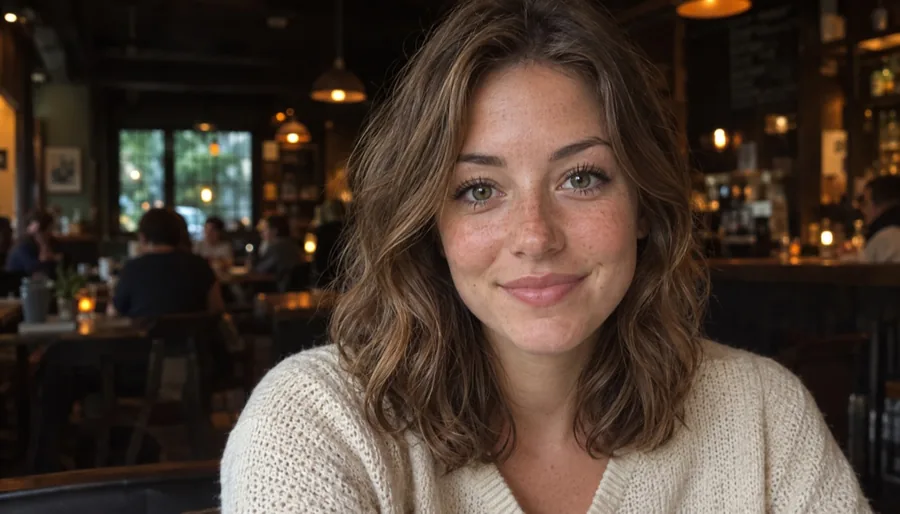
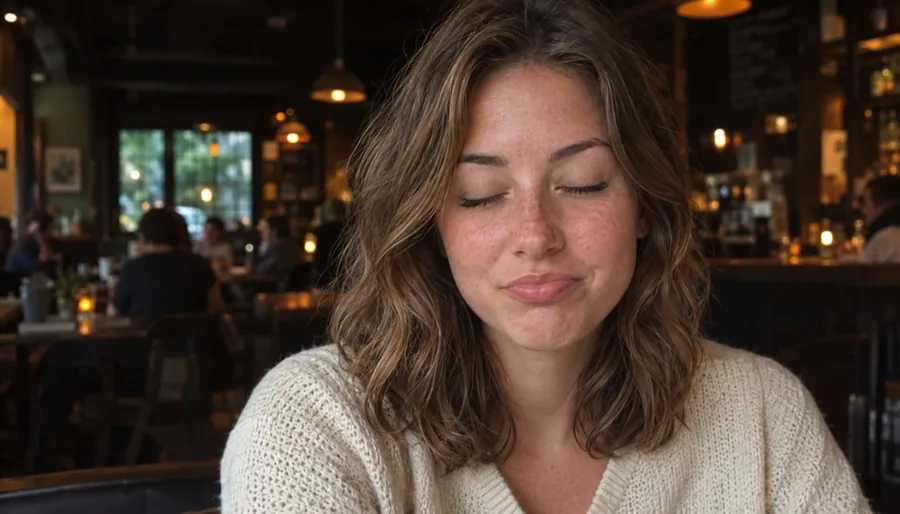
Sample from the app: one tap of Fix Everything on a blink.
One tap. The app looks at everyone in the photo, opens closed eyes and fixes other problems it finds, then gives you several versions to choose from.
Tap a face and move the eye slider from closed to open. You can also change where the eyes look, raise the eyebrows or add a wink.
Tap Retake on one person and choose Open eyes. Pick the take you like and apply it; the people around them stay as they are.
Choose each face and edit it on its own, or let Fix Everything handle the whole group. The people who already look good stay as they are.
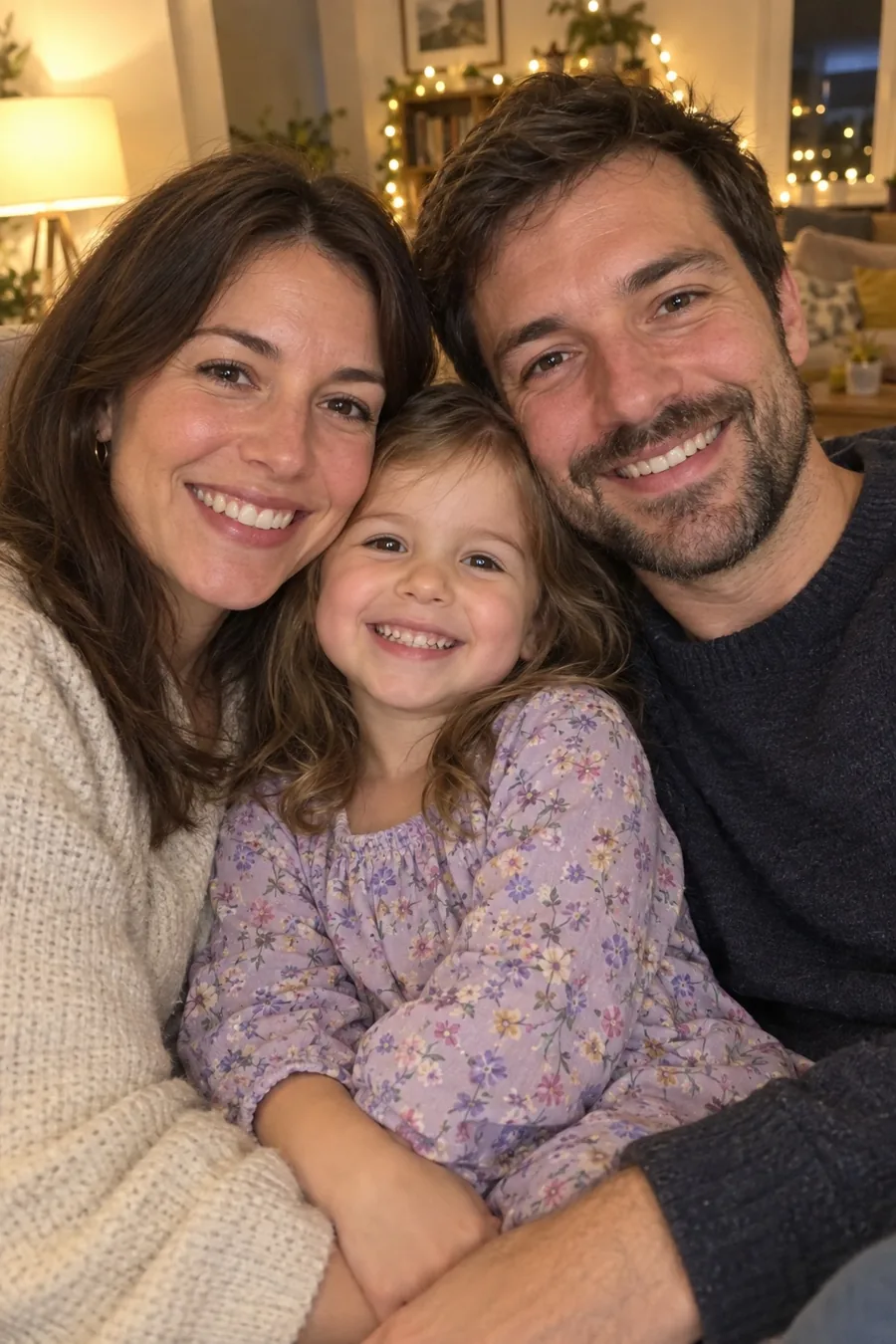
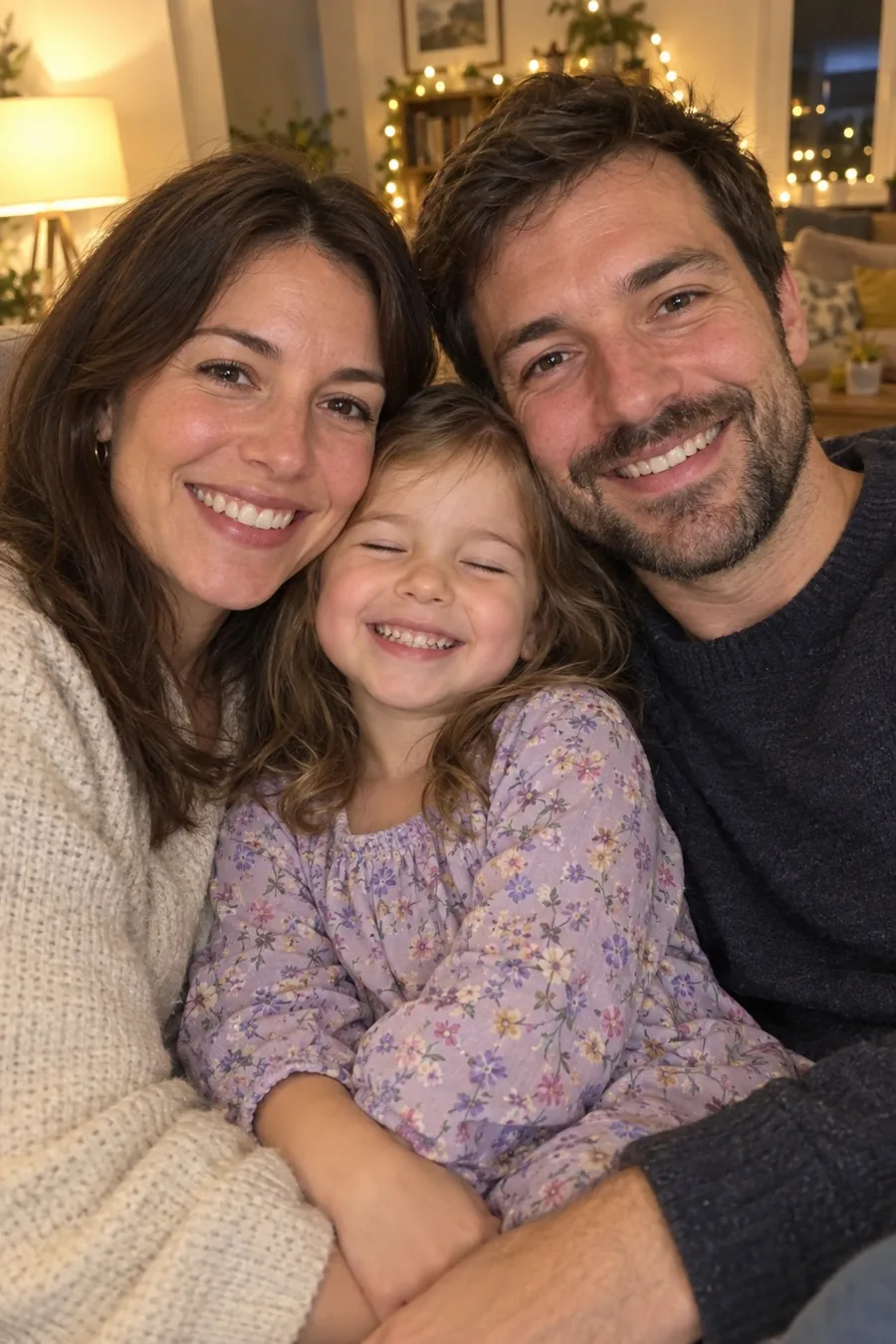
Sample edit: one face fixed, the rest unchanged.
Download Expression Editor - Reshot AI and pick the photo from your library.
Let the app find every closed eye, or tap one person to do it by hand.
Pick a version you like, or move the eye slider toward open.
Check before and after, use the eraser on anything you want back, then save.
Step-by-step answers to the questions people search for, with what the app can and cannot do.
Fix the one person who blinked and leave everyone else exactly as they are.
Read the guide →GuideThe full walk-through, from picking the photo to saving the fixed one.
Read the guide →GuideSmall fixes for sleepy, squinting or mid-blink eyes, without a wide-eyed stare.
Read the guide →GuideScan the print, restore it, then open the eyes on the face that blinked.
Read the guide →Open the photo in Expression Editor - Reshot AI. Tap Fix Everything to open every closed eye in the photo, or tap one face and move the eye slider from closed to open. Compare before and after, then save.
Yes. Tap the person who blinked and edit only that face. Everyone else stays as they are. Fix Everything can also handle the whole group and give you several versions.
Yes. Half-closed eyes usually need only a short move of the slider. The result looks most natural when the face is large, sharp and turned toward the camera.
It works on photos from your library, including scans of old prints. The app also has an old photo restoration tool. Results depend on how large and sharp the face is.
Yes. The same app changes eye direction, turns the head toward the camera and adds or softens a smile.
Editing needs a Premium subscription or a credit pack. Prices for your country are shown in the app and on its App Store page. Subscriptions renew automatically unless cancelled at least 24 hours before the end of the current period, and can be managed or cancelled in your App Store account settings.
You choose every photo yourself, and a photo you choose to edit is uploaded so the edit can be made. The privacy policy lists who processes it, how long it is kept and how to have your data deleted. Read the privacy policy
Several unrelated apps and websites use similar names. The app is called “Expression Editor - Reshot AI” on the App Store, and its App Store ID is 6670773294. Use the download button on this site to open the right page. fixclosedeyes.com is a website about the app; its main website is expressioneditor.app. Open the App Store page
Download Expression Editor - Reshot AI on the App Store.
Download on the App Store