How to fix closed eyes in a group photo
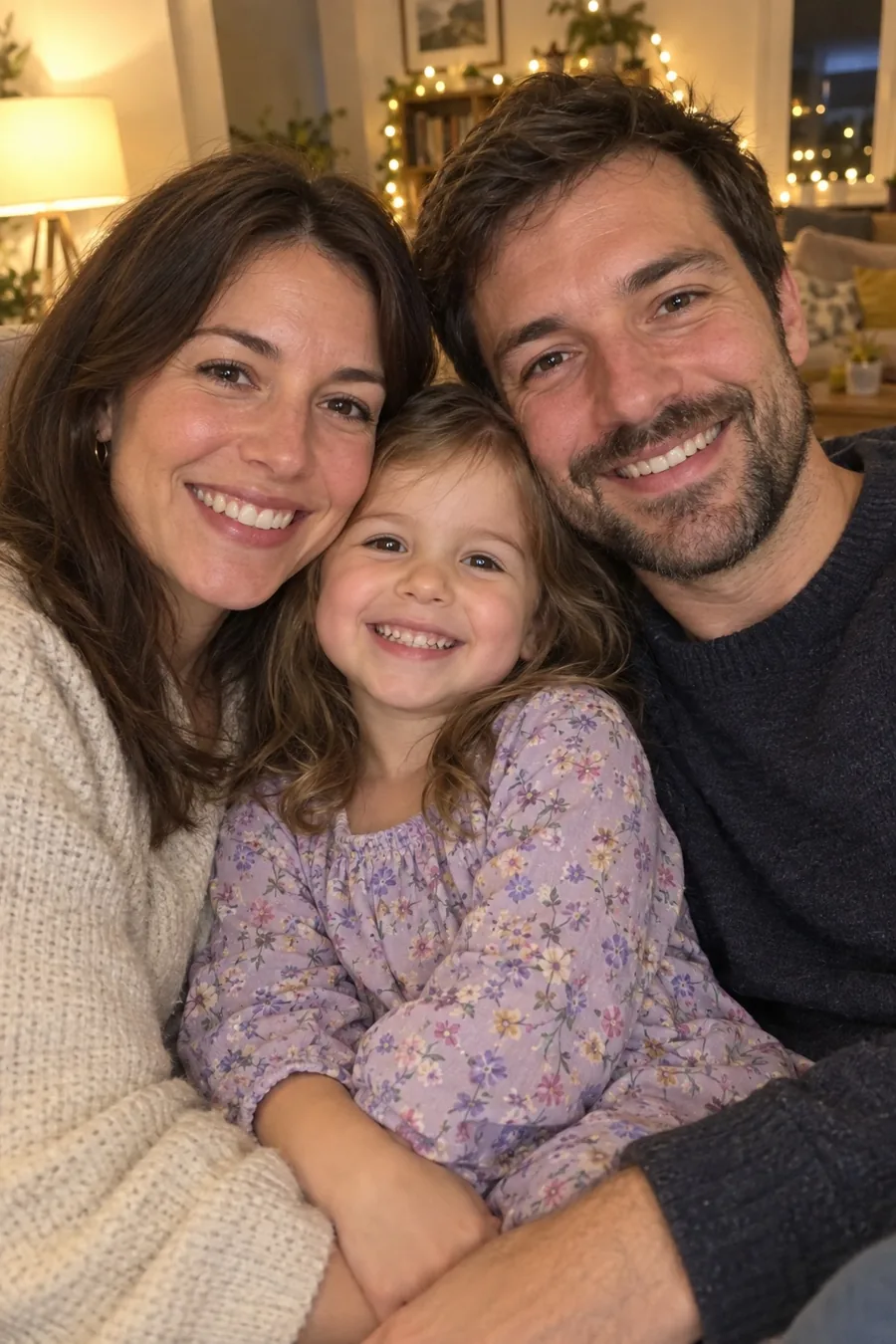
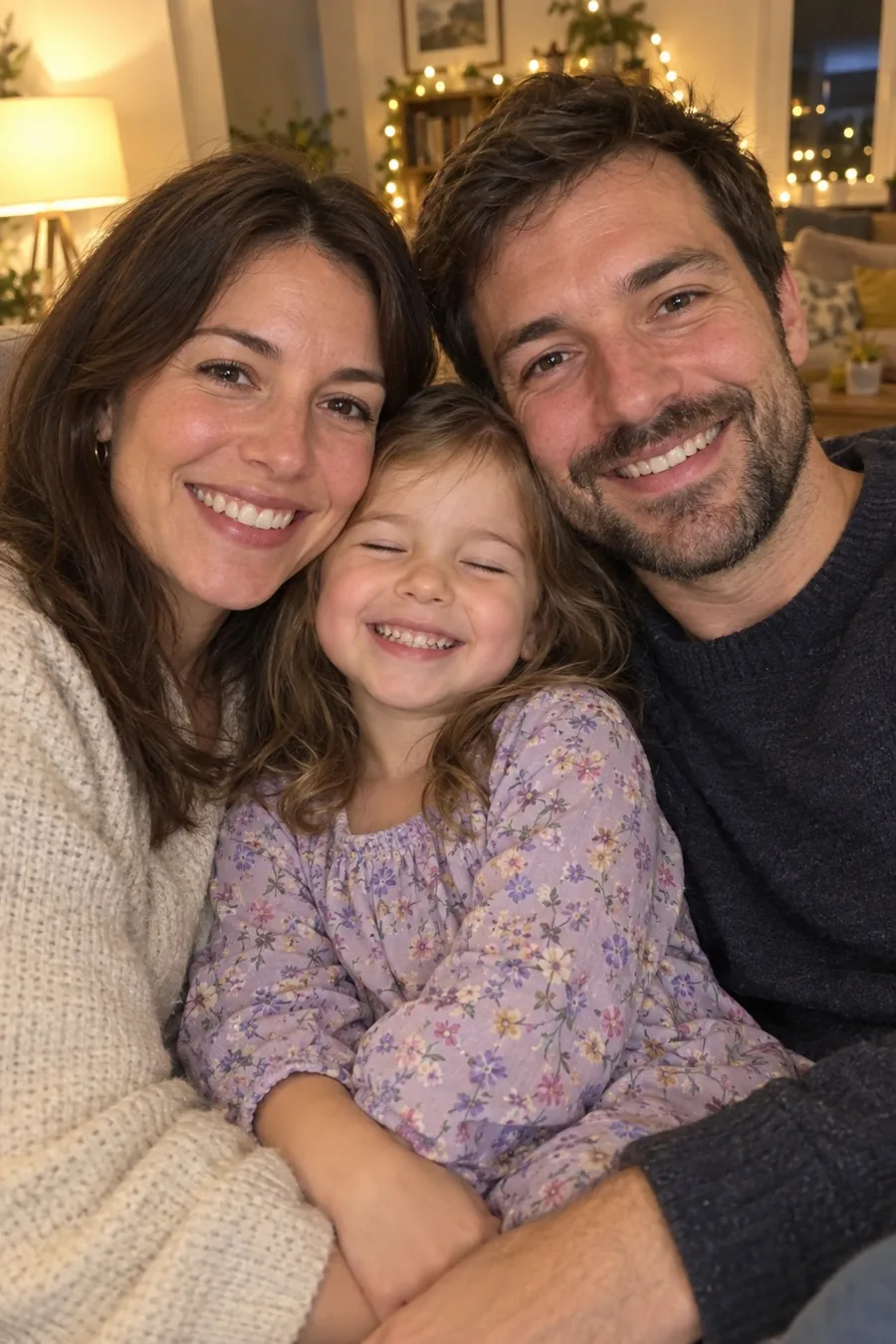
One person blinked and everyone else looks great. Open the closed eyes on that one face, or on every face, with Expression Editor - Reshot AI.
Open the group photo in Expression Editor - Reshot AI. Tap the person who blinked and move the eye slider toward open, or tap Retake and choose Open eyes. To fix every closed eye at once, tap Fix Everything.
Why group photos have the most blinks
Everyone blinks many times while a group gets ready, and a blink is short. With one person the odds of catching it are small; with eight people in the frame, the odds that someone's eyes are closed in any one shot are much higher. That is why the group photo you like most so often has one person mid-blink.
Fix one face, keep the moment
Tap the person who blinked. Every eye tool in the app works on the face you choose, so the people around them stay exactly as they were, with their own expressions. You can then tap the next person if more than one blinked.
Three ways to open the eyes
| Way | Good for |
|---|---|
| Eye slider | Half-closed eyes and small fixes, with full control |
| Retake: Open eyes | Fully closed eyes on one person, when you want a new take of their face |
| Fix Everything | Several people blinked, or other things went wrong too |
For the most natural result
- Faces that are large, sharp and turned toward the camera give the cleanest result.
- Compare each fixed face with its neighbours: the eye size and the direction of the gaze should match the moment.
- Check glasses: reflections on the lenses can hide the eyes.
Step by step
Open the group photo
In Expression Editor - Reshot AI, pick the photo.
Tap the person who blinked
Only that face will change.
Open the eyes
Move the eye slider toward open, or use Retake with Open eyes.
Repeat for anyone else
Tap the next face if more than one person blinked.
Compare and save
Check every fixed face against the original, then save.
Try it on your own photo
Download Expression Editor - Reshot AI on the App Store.
Questions
Can I fix several people at once?
Yes. Fix Everything looks at every face and opens closed eyes on all of them.
Will the other people change?
No. When you tap one face, only that face is edited.
Does it work on small faces at the back of a group?
It looks most natural when the face is large and sharp. Small, soft faces at the back give the app less detail to work with.